
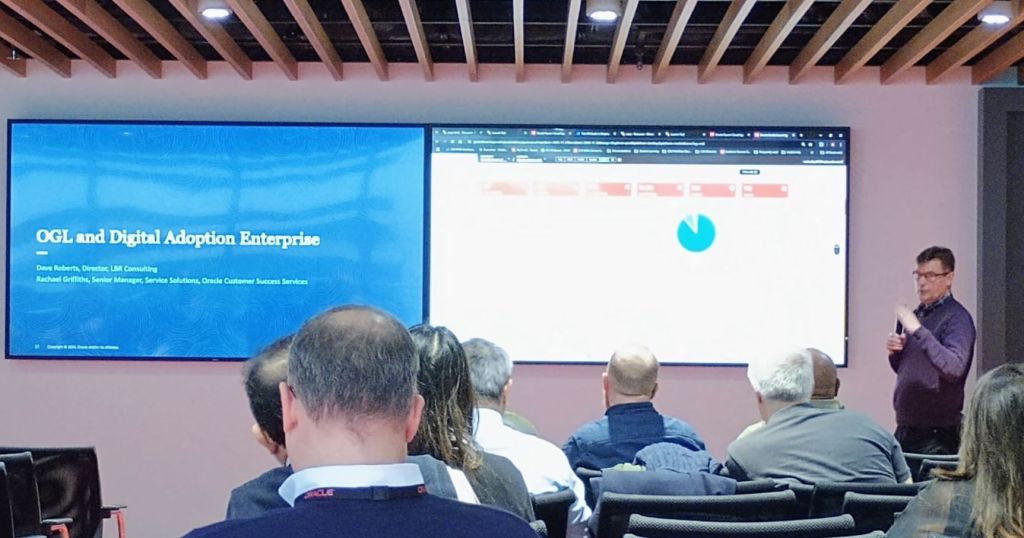
Today I was fortunate enough to attend an Oracle Partner event on Oracle Guided Learning (OGL) in London. Unfortunately due to an issue, the tube was closed and I missed the first hour of the day. Despite this, it was a really interesting day and I’ve learned so much.

Whilst I already knew what a multifaceted product OGL is, I didn’t realise the full breadth of it’s functionality. The capabilities of the package of OGL, Digital Assistant and Journeys is phenomenal!
OGL can drive users to and through a Journey or use of Digital Assistant. Likewise, Journeys and Digital Assistant can drive users to OGL. For example OGL could be used to support a new user through their onboarding Journey.

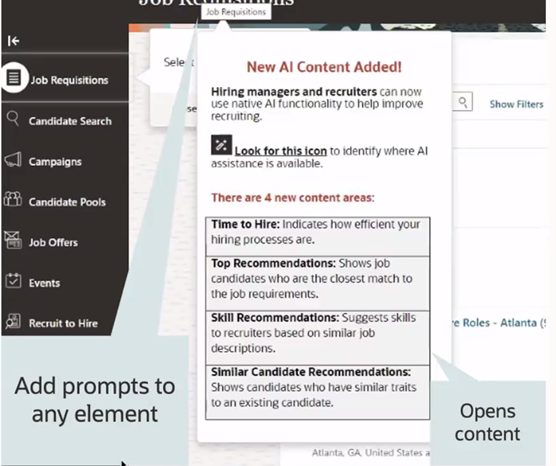
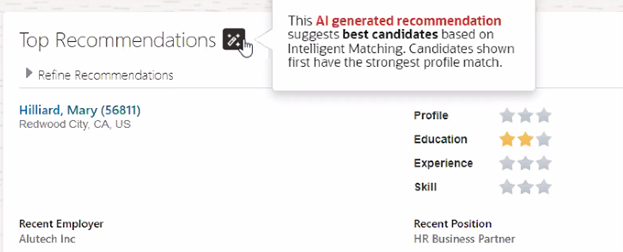
Smart Tips can be added throughout pages to explain the purpose for fields. For example a Smart Tip could be added next to sensitive data fields such as Diversity data to explain why the organisation is collecting this data and what it will be used for.
Another useful function of OGL is the ability to add notes on a field. For example if you know there is an issue with the configuration of a particular action such as entering a maternity absence, a message could be added on the absence entry page warning of the issue. This would ensure that everyone who needs to add a maternity absence will be aware of the issue without the need for an organisation wide communication. The message can be updated to reflect it’s current status.
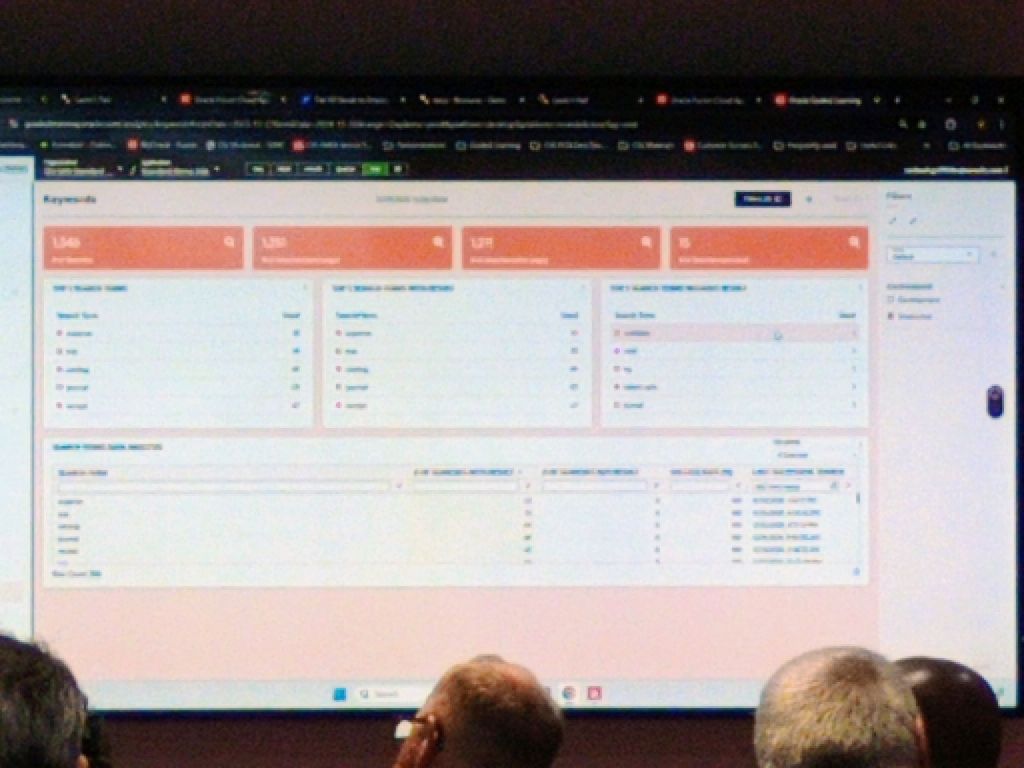
OGL has embedded analytics which allows for reporting on key search terms and how long has been spent on a particular transaction, amongst other items of data. This helps to highlight what users are searching for and might drive to the development of additional guides.
Unlike other Digital Learning platforms, OGL uses JavaScript and works within the browser, without the need for a plugin to be added to the browser. Previously when OGL was used with EPM, it did require a browser plugin but this has been resolved and is no longer the case.
Whilst OGL is an Oracle product, it can be used for third party and non-SaaS products. Each third-party product would need to be reviewed with the OGL team, but many uses have already been developed.
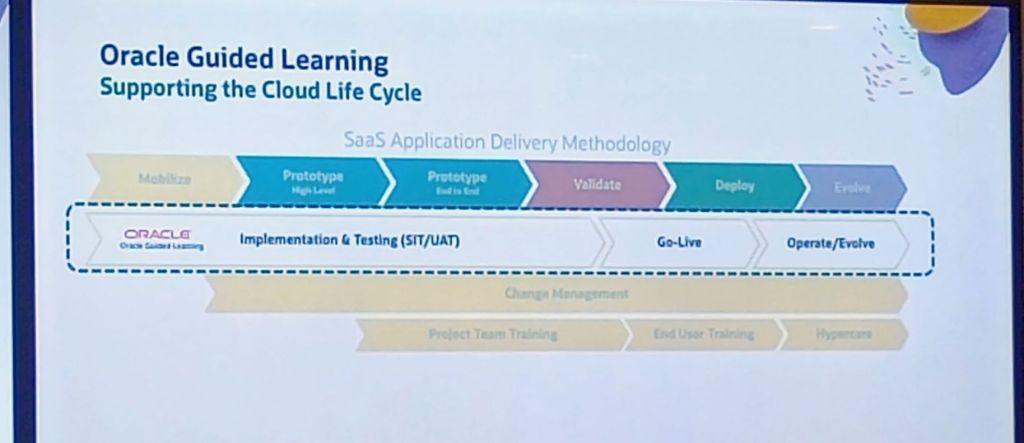
OGL is not just a training tool, it helps users with managing change. If an employee has been promoted and now is a Line Manager, giving them more responsibilities within the system, OGL can help with this! It can be used with (or without) a Journey to walk the user through their new responsibilities and functionality. Another key use can be for communicating changes brought by the introduction of Redwood. Smart Tips can be used to show where fields have moved to or the new process within the Redwood pages.
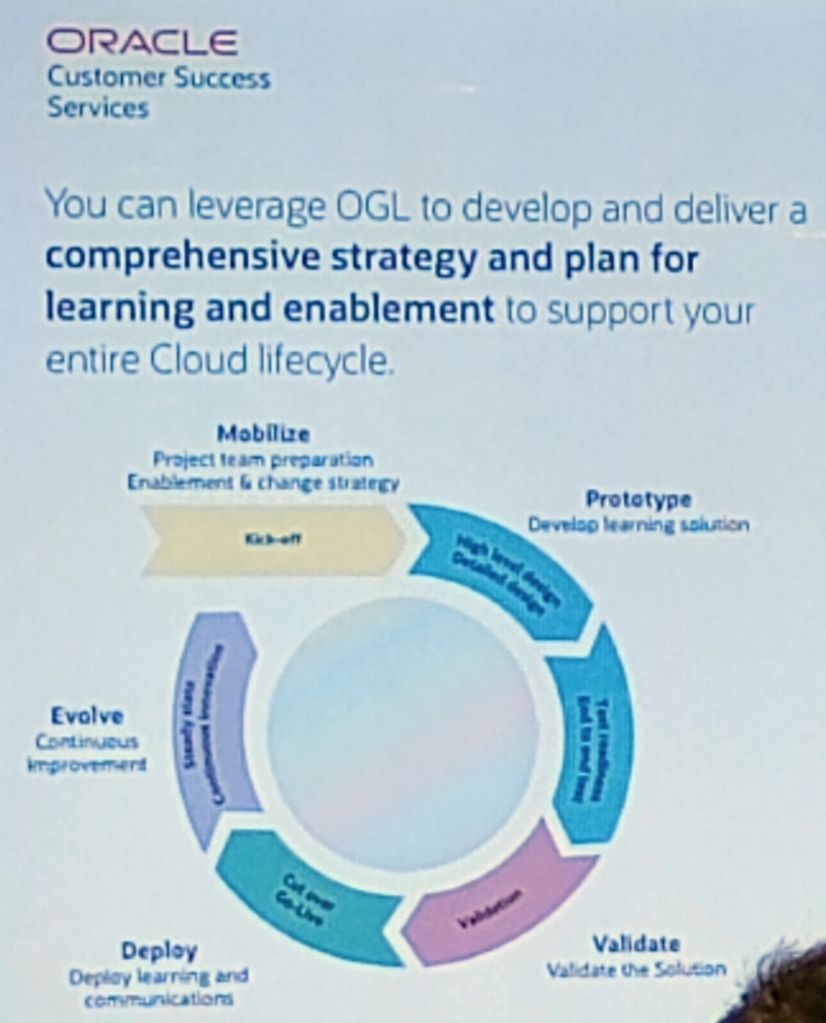
My absolute favourite part of OGL is the Auto Guide Recorder. The Recorder will do what the name says, record all of the steps followed, clicks made, keys typed to record the process. It is no more complicated that clicking through the steps that would typically be followed. Once this is recorded, the comments, Smart Tips and all other content can be added. This makes the creation of Guides much easier and quicker.
About the Author:
Kate Mead is an Oracle-certified HCM Consultant and Solution Architect at Version 1 with 14 years of experience in Oracle HR and Payroll systems, including 7 years with Oracle HCM Cloud. She has worked across implementation projects and managed services, has a sound knowledge of UK Payroll legislation and — before becoming a consultant — was an HR Manager.
If you have any questions or would like more information on how Version 1 can help you realise the full potential of your Oracle Cloud instances, please contact her at kate.mead@version1.com
Please note all screenshots are the property of Oracle and are used according to their Copyright Guidelines.


 K8 Mead