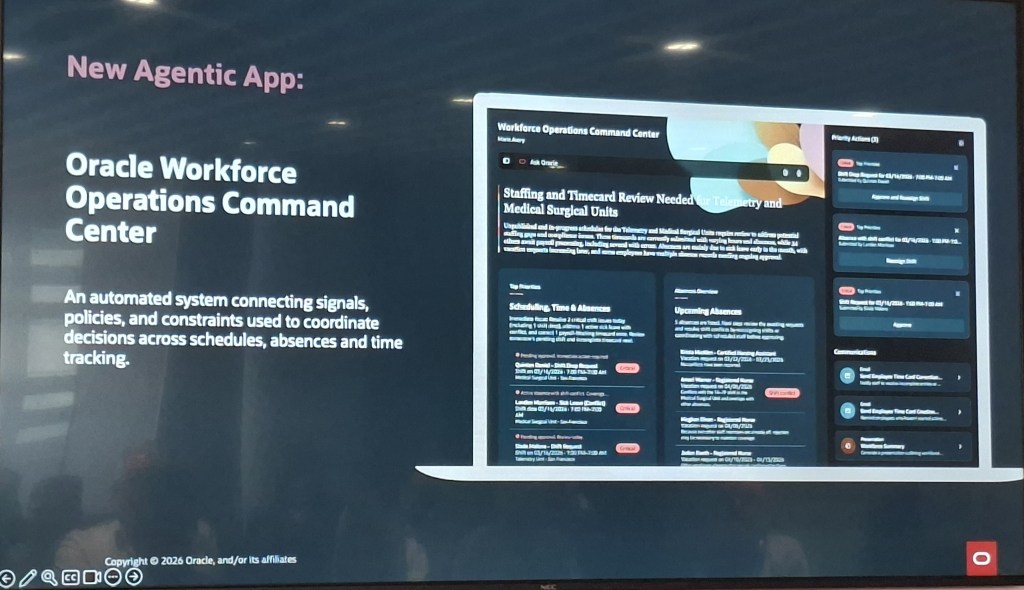
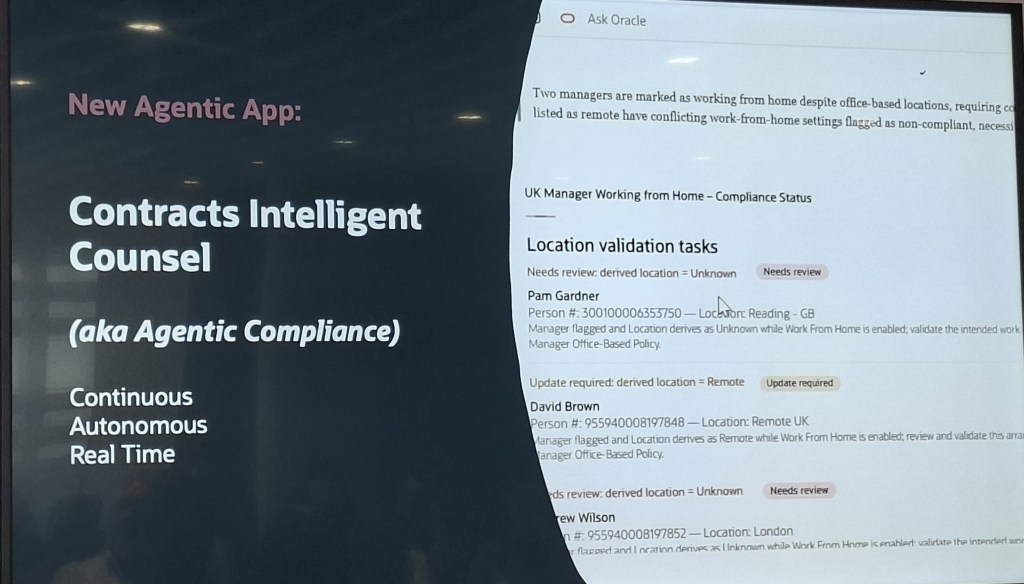
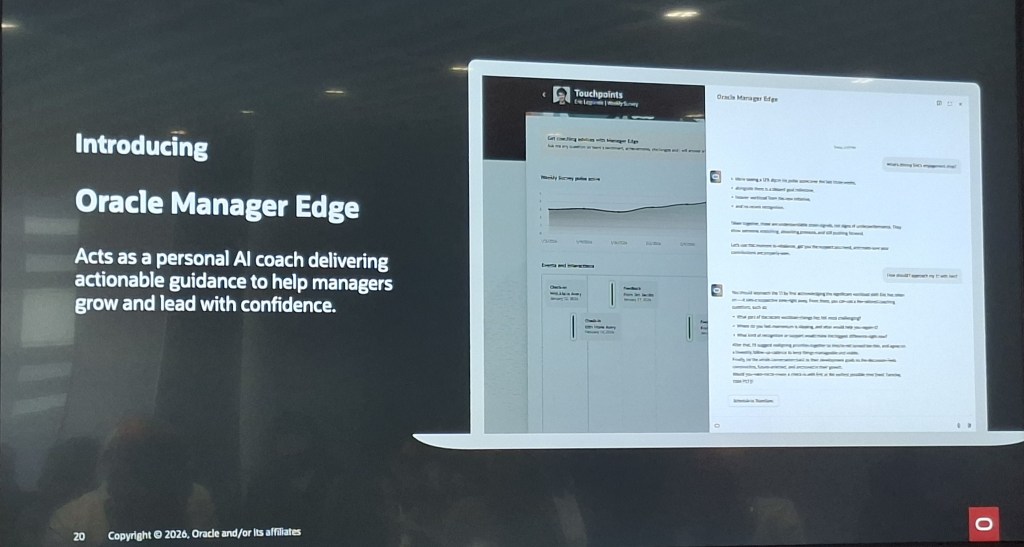
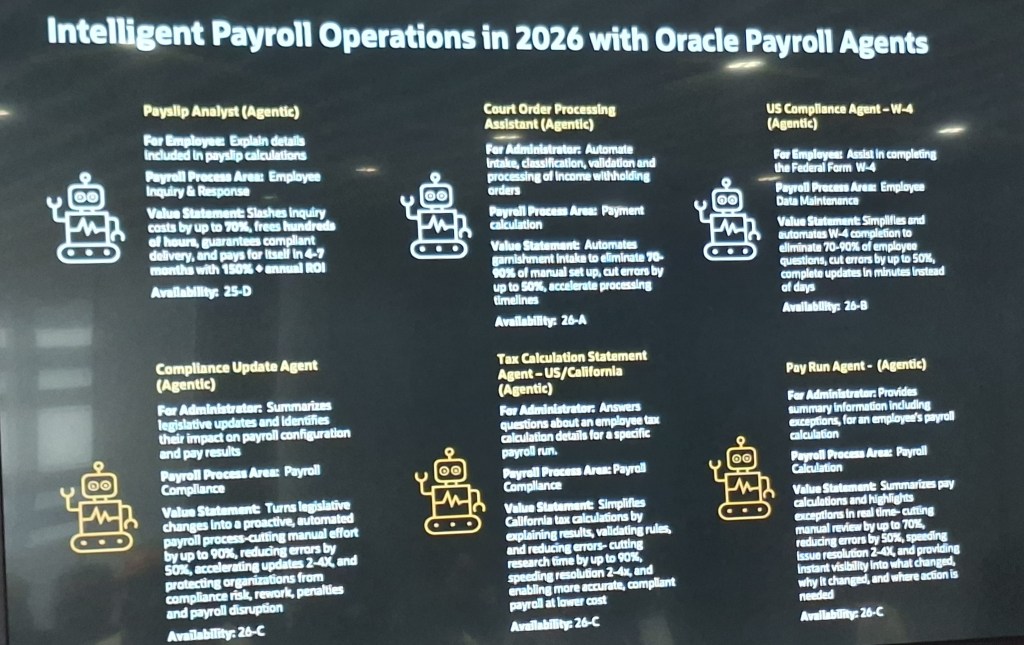
Over the bank holiday weekend, with the heat driving me indoors, I opened up my Fusion demo environment and decided to try building my first Oracle Agentic Application. Within a few minutes, it was up and running. That is not marketing spin, it is genuinely how quick and straightforward the experience was. It also gave me a good reason to sit down and share what I found.
Officially, the Agentic Application Builder does not arrive until Release 26C. However, if you are already familiar with AI Agent Studio and have access to a non production pod, there is more than enough available today to start building something meaningful and to get a feel for where this is going. Over the weekend, I put together two applications. The first used one of Oracle’s out of the box prompts, and the second was based on a custom prompt I created with support from Microsoft Copilot. Both came together quickly, which is really the point.
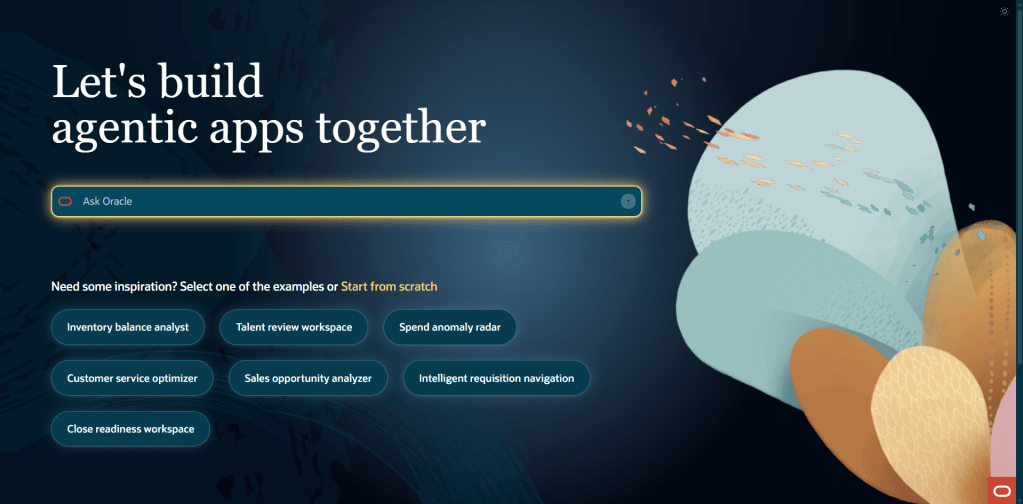
Before getting into what I built, it is worth being clear on how this fits together architecturally. AI Agent Studio, which is included within your Fusion Applications subscription, will introduce the Agentic Application Builder in Release 26C. It provides a low code way to create and extend agentic applications directly within Fusion. What makes it different is the starting point. Rather than beginning with code or a process diagram, you simply describe the business outcome you want to achieve, and the builder identifies the right agents, creates the initial structure, and connects to your enterprise data. It is also important to understand the licensing model. While you can explore, test, and build in non production environments without any additional cost, a separate licence is required to deploy and run these agentic applications in production. This means there is nothing to stop you getting hands on now and understanding the art of the possible before making any investment decisions.
Applications built in this way run natively within Fusion Applications, using your existing business objects and data, and operating under Fusion’s role based security. That is worth pausing on, because it means you are not creating something separate or bolting on additional functionality. These agents are working within the same security and access model your users already rely on in their day to day roles.
The builder brings applications together using reusable agent teams. These can be provided by Oracle, developed by partners, or created in house to suit your own needs. Each team is designed to handle a specific role, and the builder assembles them into a single application that works towards a common business outcome.
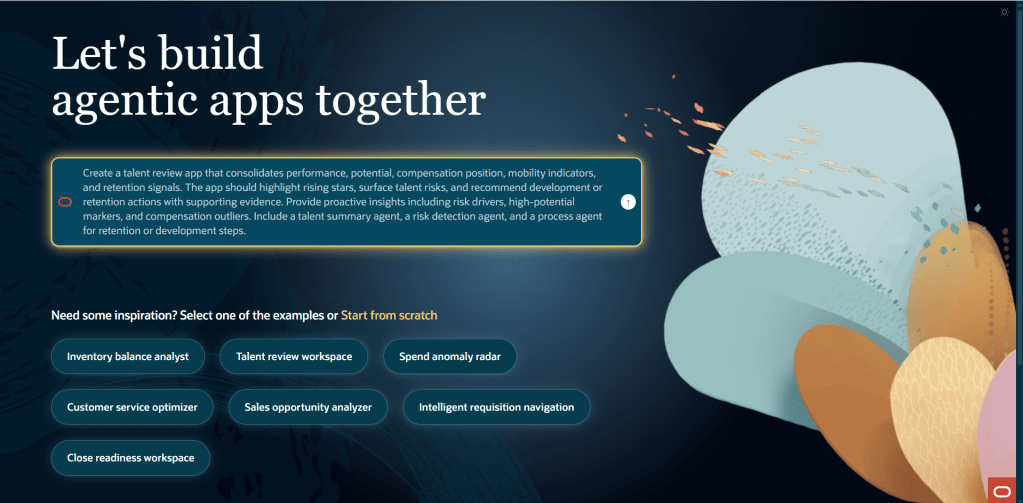
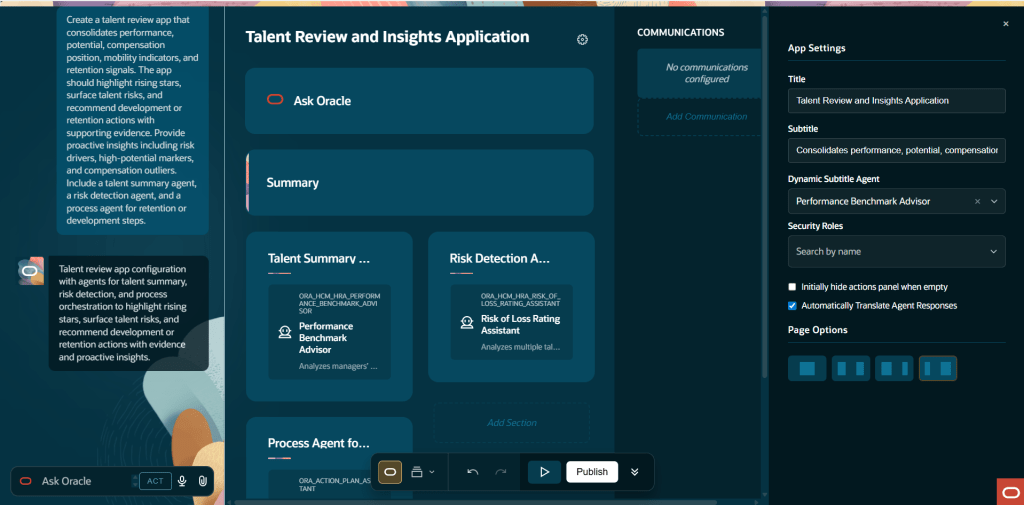
For my first build, I started with one of Oracle’s out of the box example applications. From selecting the template to having a working framework in front of me took only a few minutes. The App Builder presents a range of example agentic applications from the outset, giving you something tangible to work from straight away. You can select one, use it as a foundation, adapt it to your needs, and build from there. In my case, I chose the Talent Review and Insights application.
The steps are: go to AI Agent Studio, open the Apps tab, select Add, enter the name, code, and description for your agentic app, and navigate to the App Builder. Select one of the example apps and you’re looking at a working framework almost immediately.
That speed was the first thing that stood out to me. The framework clearly sets out the agent teams involved, the different sections of the application, and how everything fits together. You are not faced with a blank canvas. Instead, you can immediately see which published workflow agent teams are available to include, and the structure gives you a clear sense of how the application will operate before you have made any changes.
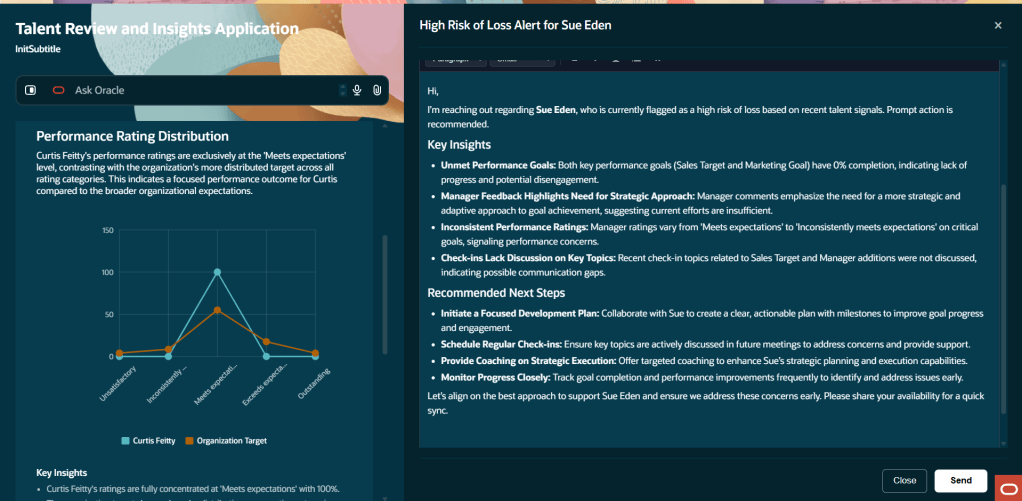
What really caught my attention was the quality of the insights it produced. This is not a static report. The agents actively draw on the data in your environment and present findings in a way that is designed to prompt action, not just provide information. For an HR practitioner used to working with standard Talent Review dashboards, the difference in how those insights are surfaced is immediately noticeable.
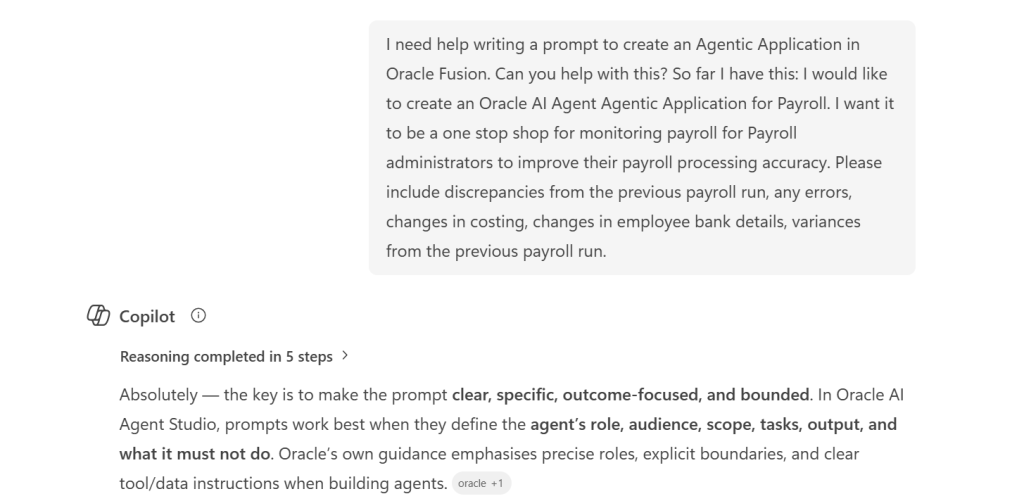
The second build is the one I found most interesting, and it was just as quick to put together. I used Microsoft Copilot to help shape a detailed natural language prompt, then passed that into the App Builder through the Ask Oracle interface to generate a completely custom agentic application from scratch.
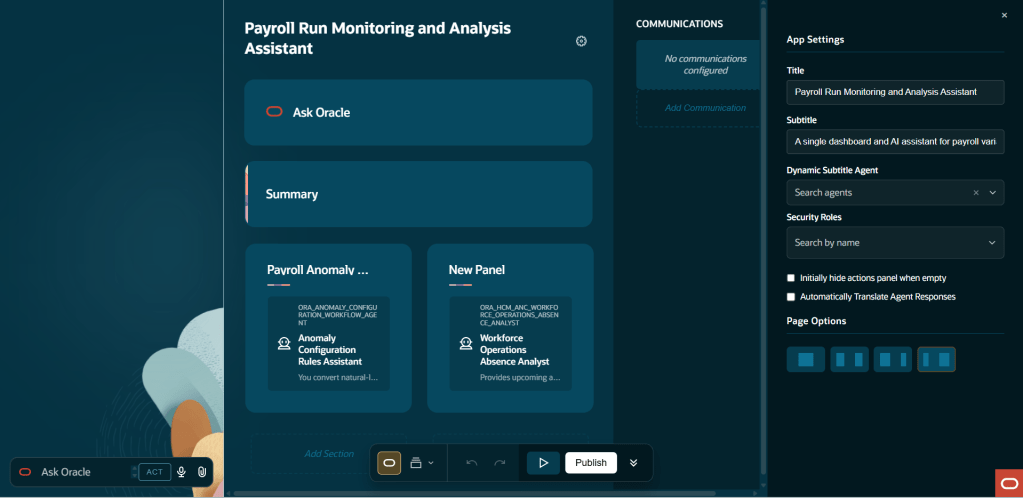
The prompt set out an application designed for Payroll Administrators, bringing everything into a single workspace to monitor payroll activity and improve processing accuracy. The aim was to give payroll teams a clear, action focused view of exceptions, anomalies, and key changes that need investigation before payroll is finalised. In practice, that means removing the need for administrators to piece together that picture across multiple pages and reports.
The App Builder works through three clear phases: intent, assembly, and refinement. You start by describing the business objective in plain language, the builder then suggests the most relevant agents and proposes an initial structure, and from there you refine the application through layout changes, naming, and added detail before publishing. The whole journey, from a simple prompt to a structured application framework, moves quickly. If anything takes time, it is shaping the prompt itself rather than waiting for the builder to respond.
What I found is that the quality of the prompt makes a real difference to what the builder produces. The prompt I created with Copilot was clear about the user persona, the business context, and the type of information needed, focusing on a Payroll Administrator working in a pre finalisation scenario and looking for exceptions, anomalies, and priority changes. The application that came back reflected that level of clarity. In many ways, it is no different to working with any AI tool. The prompt is the critical part. The clearer and more specific you are, the more useful and relevant the outcome will be.
For those looking to get familiar with the structure ahead of 26C, an agentic application is built from three core elements: agent teams, communications, and actions. Agent teams sit at the heart of it. Only published workflow agent teams that have been enabled for use in applications are available to select, which helps ensure consistency and control over how these applications are put together.
Communications allow the application to send emails and messages using predefined templates. These templates can take the form of PowerPoint, PDF, email, or simple text. For email templates, the agent can be given the ability to suggest recipients, generate a subject line, and complete sections of the content. For PDF and PowerPoint templates, the agent can generate titles and populate the content, helping to streamline how information is produced and shared.
Actions define what happens as the application runs, including where human approval is needed along the way. The flow itself is straightforward. A widget or user interface element triggers a command, that command determines which action to run, and the action then executes its steps in sequence. There is a good level of flexibility in how those steps are defined. You can keep an action visible in the interface after it has run, navigate users to another application, send a command to an agent, refresh what the agent is showing, or switch the application context. Taken together, these steps allow you to shape how the application behaves and how users interact with it.
Once built and tested, you publish the app. Users can then access it from the AI Agents page, reached via Me > Quick Actions > Show More > AI Agent Studio > AI Agents.
I realise I am starting to sound a bit like an Oracle advert, so it is worth being honest about the experience. In its current pre release state, not everything behaves as you would expect from a finished product. Some agent team options are not yet fully populated, and there are limits to how far you can test the end to end flow in a sandbox without complete data. That is to be expected at this stage.
What is clear, though, is the direction of travel. The App Builder is designed to enable functional consultants and technically minded administrators to create agent driven applications without writing code, and to do so quickly. Starting with natural language removes much of the usual barrier, building from reusable agent teams means you are not starting from scratch each time, and the inclusion of example templates means you can have something up and running in the time it takes to make a coffee. For organisations investing in the Fusion Agentic Apps Platform, this is where a great deal of tailored capability is likely to be developed over the coming releases.
If you have access to a non prod pod and want to get ahead of 26C, it is well worth spending some time in AI Agent Studio now. The core concepts you will be working with, including agent teams, sections, communications, and actions, are already in place and align with what will be available in the full release.
I will share a more detailed walkthrough once 26C is live and the full feature set is available. In the meantime, if you are interested in where this is heading, it is worth taking a look at my earlier write up on AI Agent Studio and what it means for Oracle Fusion HCM.
Please note all screenshots are the property of Oracle and are used according to their Copyright Guidelines