
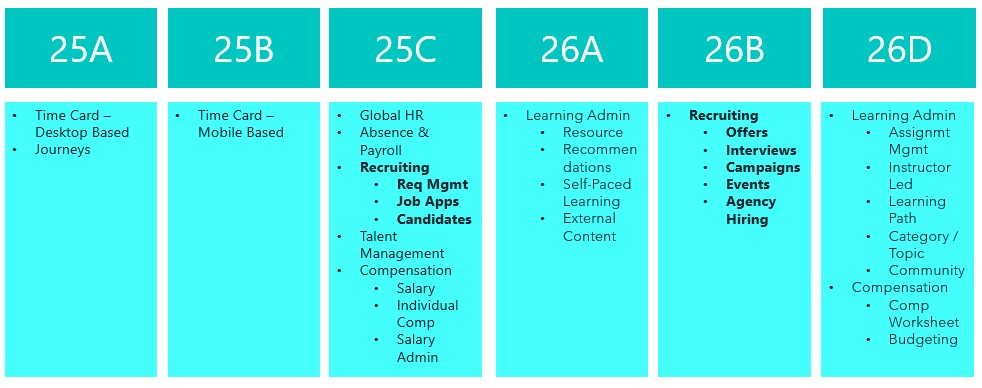
Great news – 25D has landed! Unlike most modules, Recruit has a two-step journey to Redwood, and 26B is the big one to focus on to make sure users stay compliant and fully switched over for core Recruit tasks. If you’ve already got 25C, you should be handling requisitions, job applications and candidates in Redwood by now. The next wave is all about offers, interviews, campaigns, events and agency hiring. While 25C gave us a few Redwood features for offers, 25D really ramps things up to help you stay on track for the 26B deadline, but even more excitingly, it’s full of AI features to make your lives easier! So let’s dive in and explore what’s new….
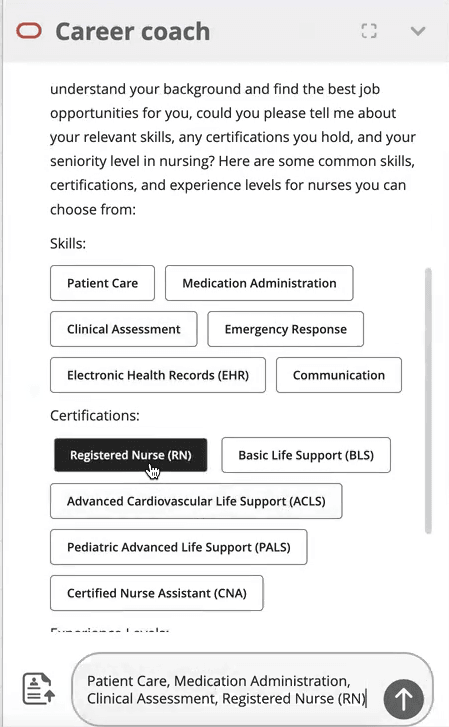
This first feature isn’t actually a Redwood specific one, but it’s a great one that I’m very excited about! Given Oracle’s push to embed AI into Fusion, wherever it is relevant, this feature is a great use case for it! The new AI Agent for Candidate Experience introduces an AI Chatbot called Career Coach directly onto the Career Site. It will be much easier for candidates to search for a new role with the Job Recommendations Agent and Job Fit Agent, as they get tailored suggestions based on their experience and skills. The candidate just need to upload their CV, answer a couple of questions and then the Job Recommendations Agent will highlight roles that match their profile, while the Job Fit Agent helps them figure out if a particular job is the right fit and answers any questions. Both agents can even use uploaded documents to give more personalised advice, making the whole process smoother and more relevant.
There’s another AI feature I’m excited about. This was shown at CloudWorld London and customers have been asking me about it ever since! The Job Applicant Screening Agent Template lets you create a handy agent team in AI Agent Studio, which Recruiters can get to straight from the Job Application page. It’s a super helpful “ask me anything” assistant that can dig up all sorts of info, including feedback scores, background checks, recent updates, and what’s happened over the past few weeks. You can ask things like “What’s going on with this application?” or “Give me the full lowdown,” and it’ll even suggest things like interview feedback, timelines, assessments, and offer details. It’s a real time-saver, especially for people who don’t use the system much and just want quick answers without the faff.
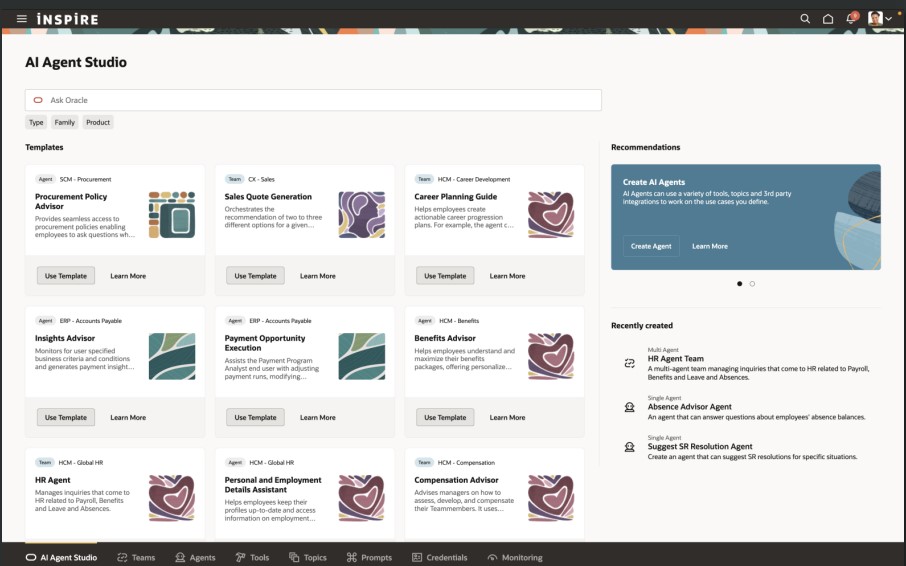
If you’re anything like me and find creating job offers a bit laborious, you’ll definitely want to check out the new Job Offer Creation Agent in AI Agent Studio. It’s like having a helpful friend on hand, it’s ready to answer all your questions, whether they’re general or specific to certain fields. You can customise it with your own documents and prompts, so it fits your organisation’s policies perfectly. Wondering if you can tweak the start date after sending an offer? Not sure about the typical job grade for a Chief of Staff? Curious about salary differences between cities, or what to do if a candidate already has another offer? This agent’s got your back. It helps you breeze through the offer process smoothly, fills in the right info, and cuts down on errors, so you can focus on getting the right people on board, faster.
The final Recruit AI Agent I want to highlight is one I particularly love, the new Job Requisition Creation Agent to help speed up the process of creating Job Reqs. Think of it as your go-to FAQ buddy, it answers all sorts of questions, whether you’re wondering about salary grades, attachments, or who’s recruiting in a specific location. It works entirely off the documents you upload and the prompts you set, so it’s easy to tailor to your company’s policies and ways of working. Whether you’re asking if you can change job grades later or need to know the salary range for consultants in Dallas, this assistant helps you get it right first time, no interruptions, fewer downstream issues, and a smoother, more efficient experience all round.
In 25C, the Candidate Sourcing tile was added. In 25D, the Campaigns and Events tabs are no longer under Hiring, but moved to Candidate Sourcing. When you head into the Candidate Sourcing tab, you’ll find everything you need to start building your talent pipeline – from Candidate Search and Pools to Messages, Campaigns, and Events. Over in the Hiring tile, you’ve got quick access to the Activity Centre, Messages, Requisitions, Offers, and you’ll spot Candidate Search and Pools again here too, so you’re never far from the tools that help you keep hiring on track.
Oracle often sneak in new features throughout the month, so it’s worth keeping an eye out. If anything truly game-changing drops, I’ll write up another blog post to keep you posted and make sure you’re not missing out. In the meantime, feel free to check out my latest write-up on the new Core HR features in Release 25D, you can find it here.
Please note all screenshots are the property of Oracle and are used according to their Copyright Guidelines

 K8 Mead